
McDonald’s Chicken & Fish Menu Prices USA
McNuggets and McCrispy Strips prices
Compare individual portions, meals and sharing packs below. For a smaller order, see the 6-piece McNuggets guide.
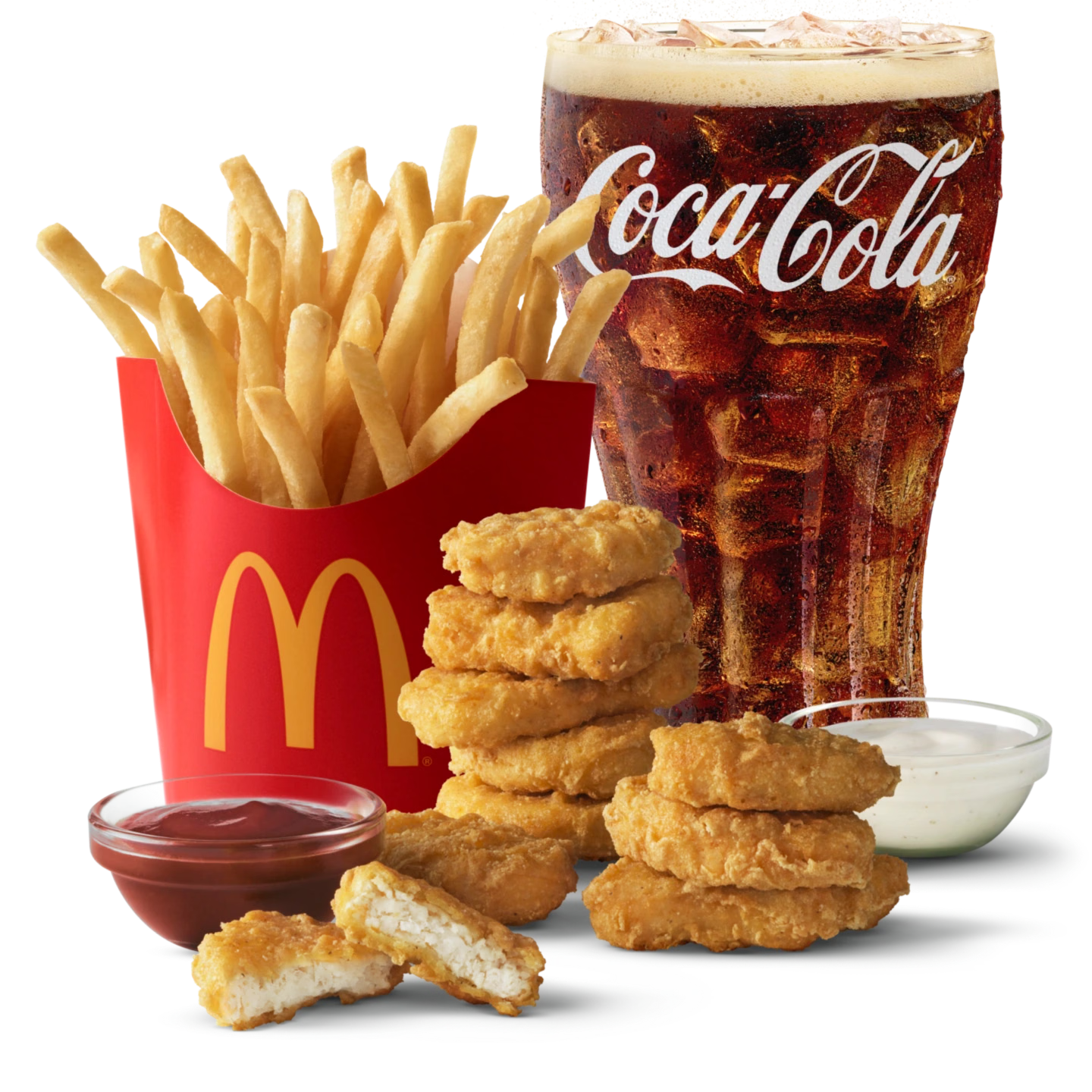
10 pc Chicken McNuggets Meal (med)
$10.99
~990 kcal
Meal
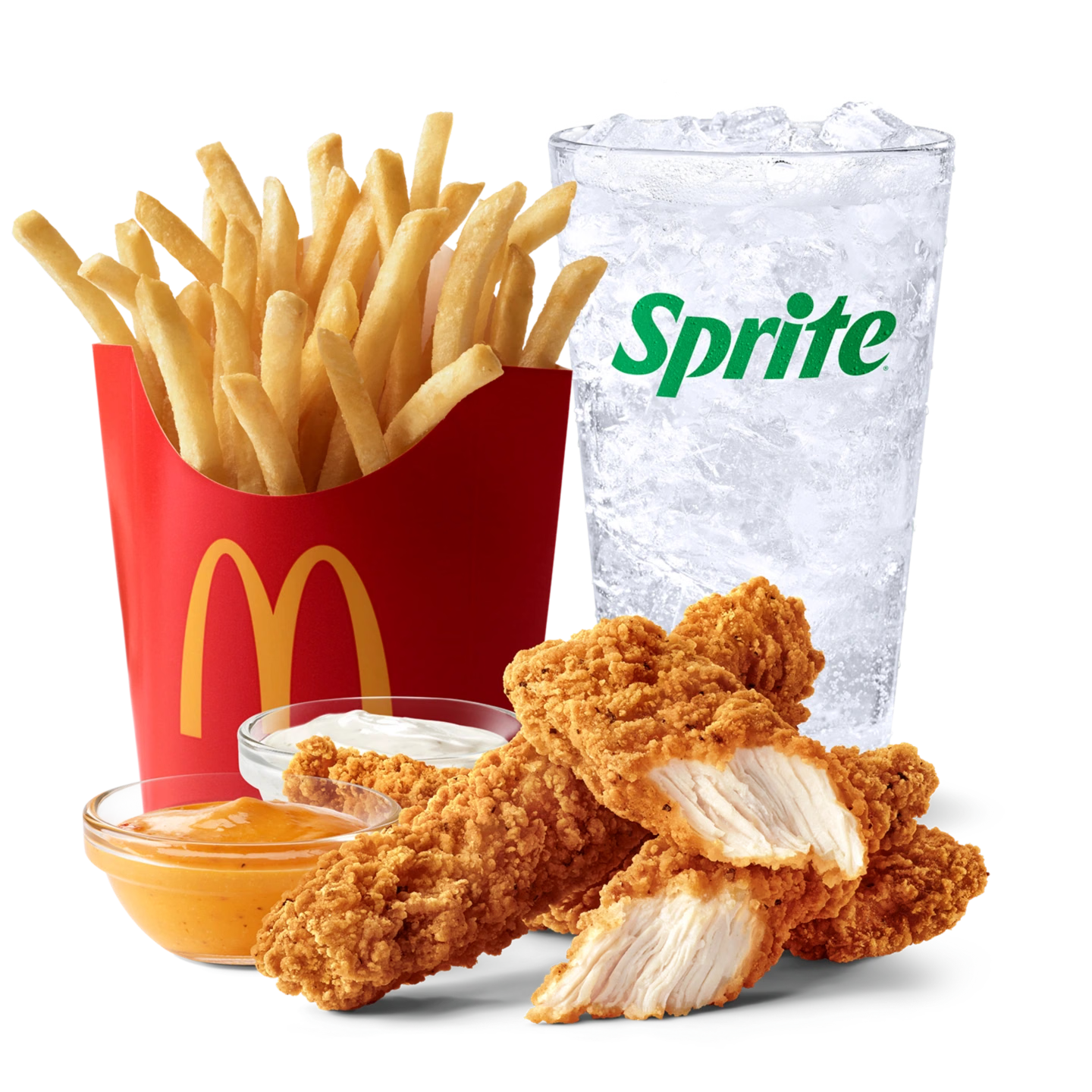
McCrispy Strips Meal (3 pc)
$14.99
~900 kcal
Meal
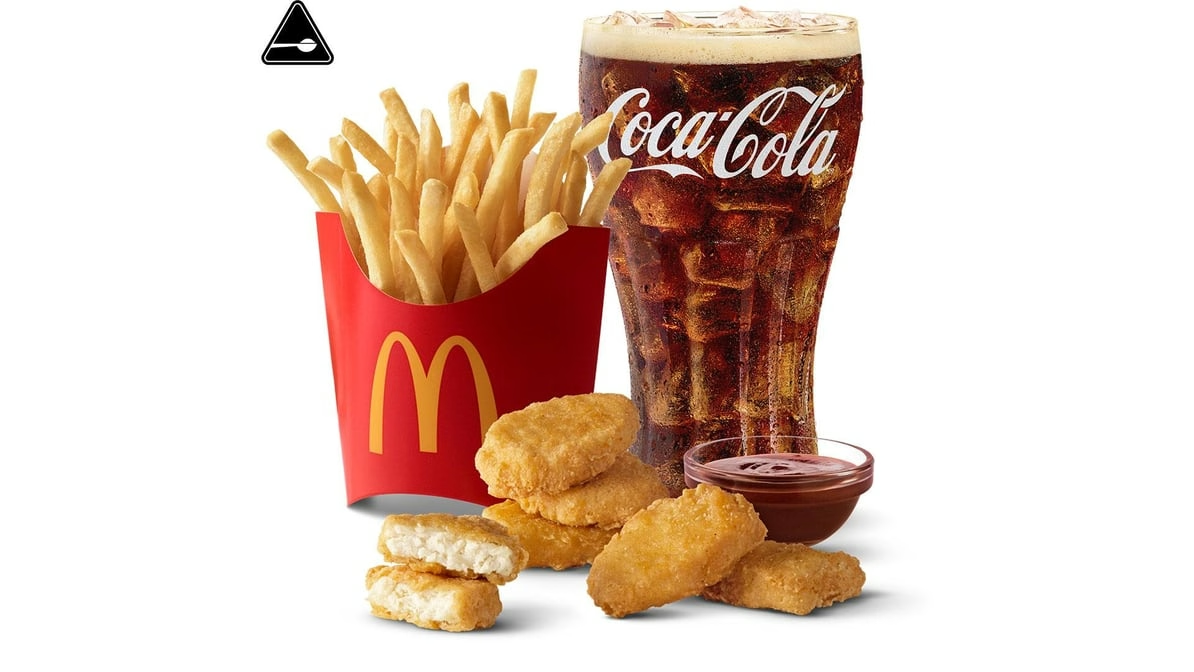
6 pc. Chicken McNuggets Meal
$10.79
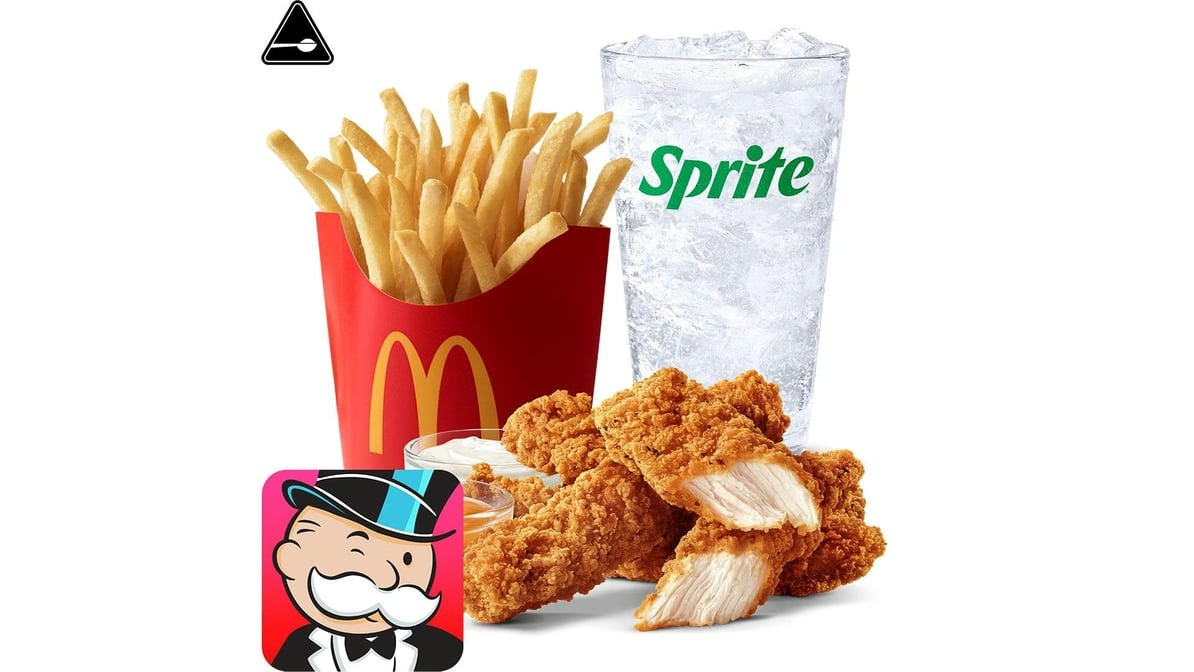
4 Piece McCrispy Strips Meal
$15.99
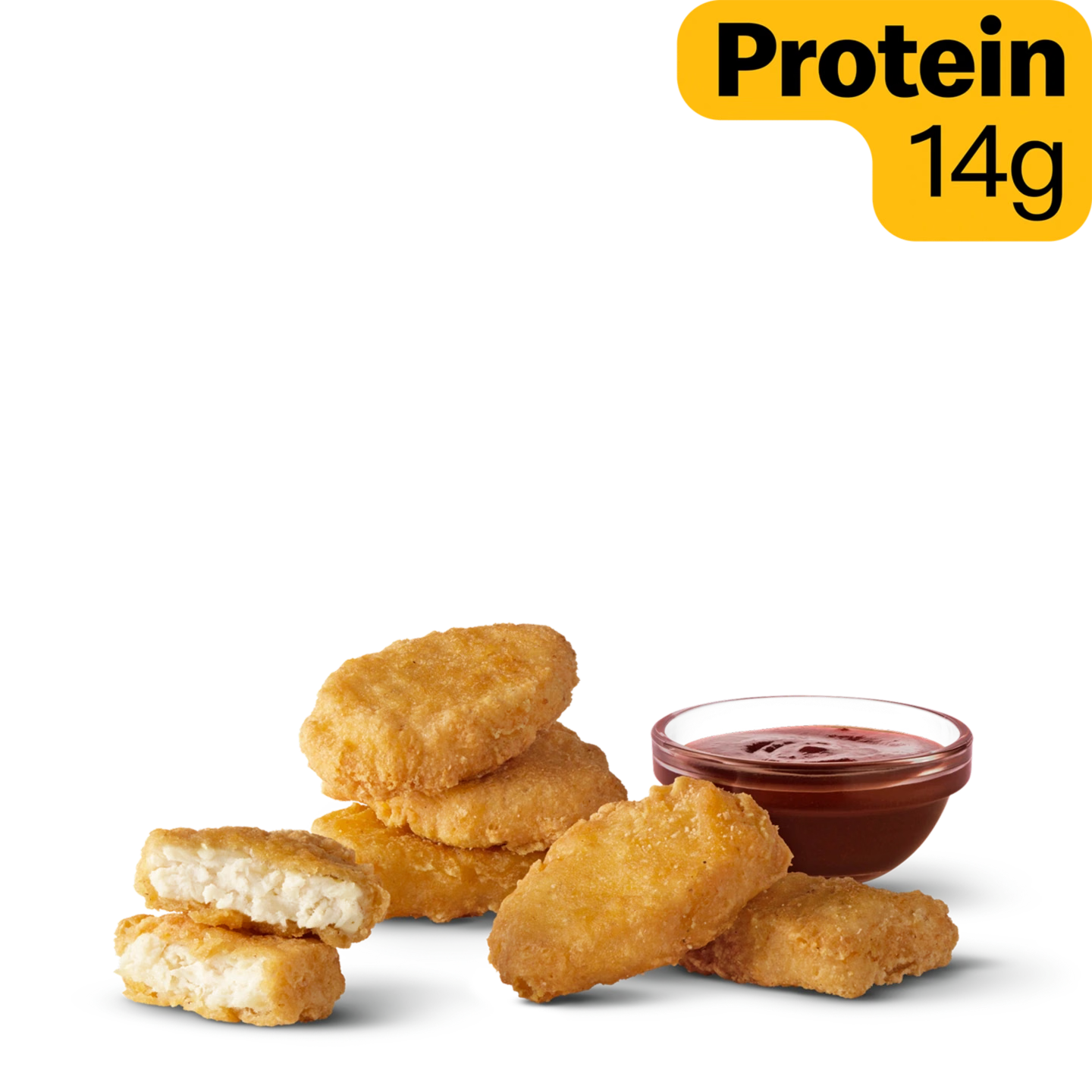
6 pc Chicken McNuggets
$5.19
250 kcal
Nuggets
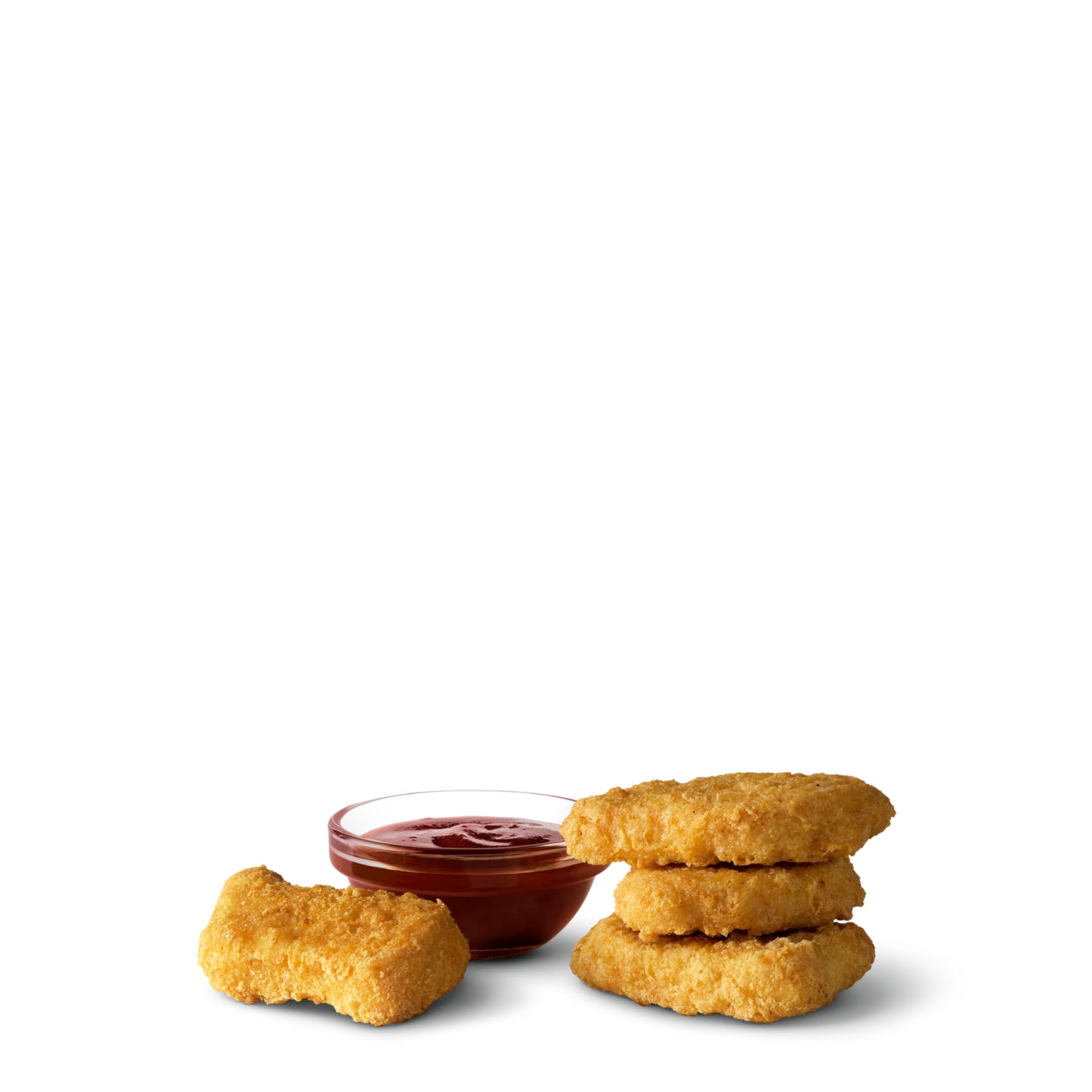
4 pc Chicken McNuggets
$4.59
170 kcal
Nuggets
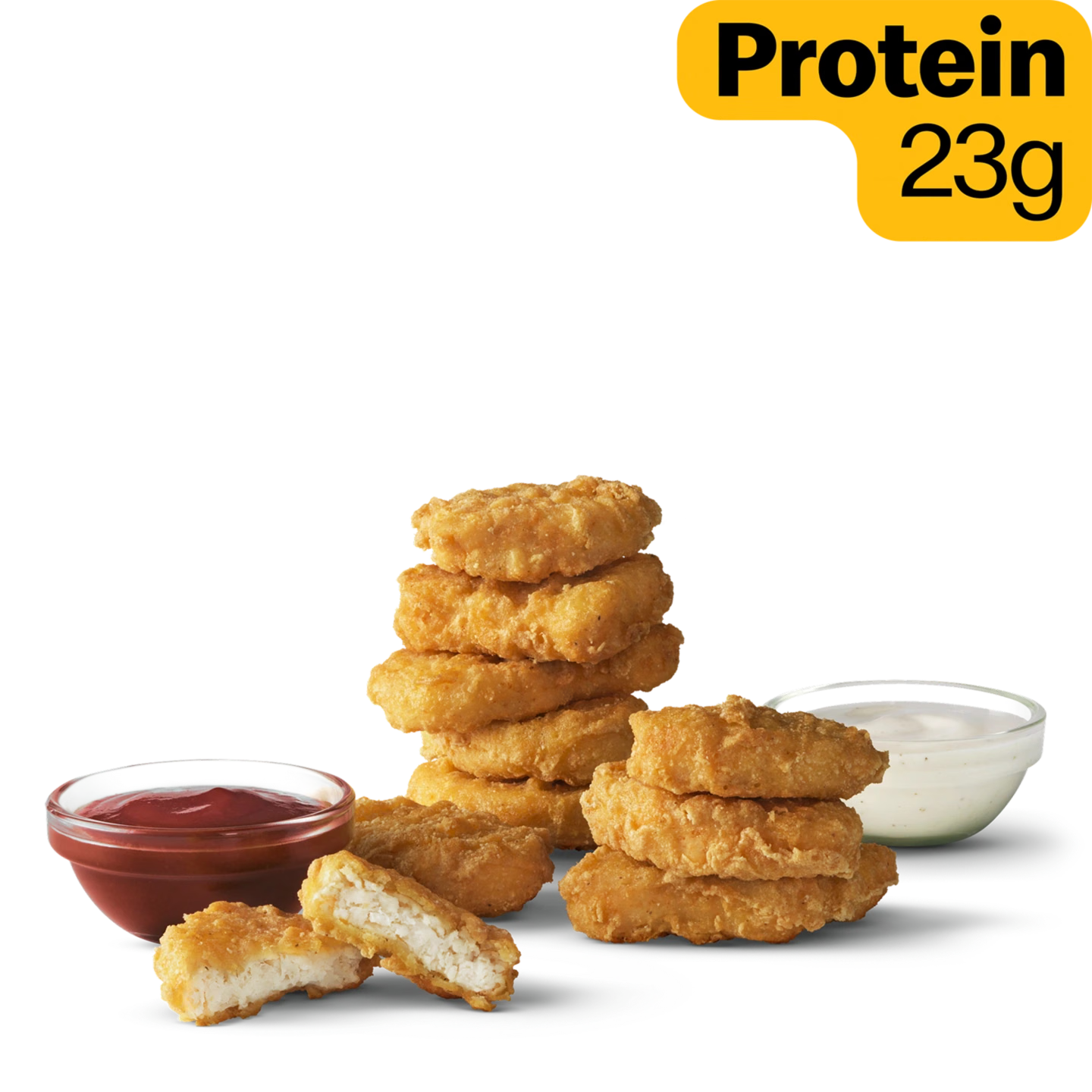
10 pc Chicken McNuggets
$7.99
410 kcal
Nuggets
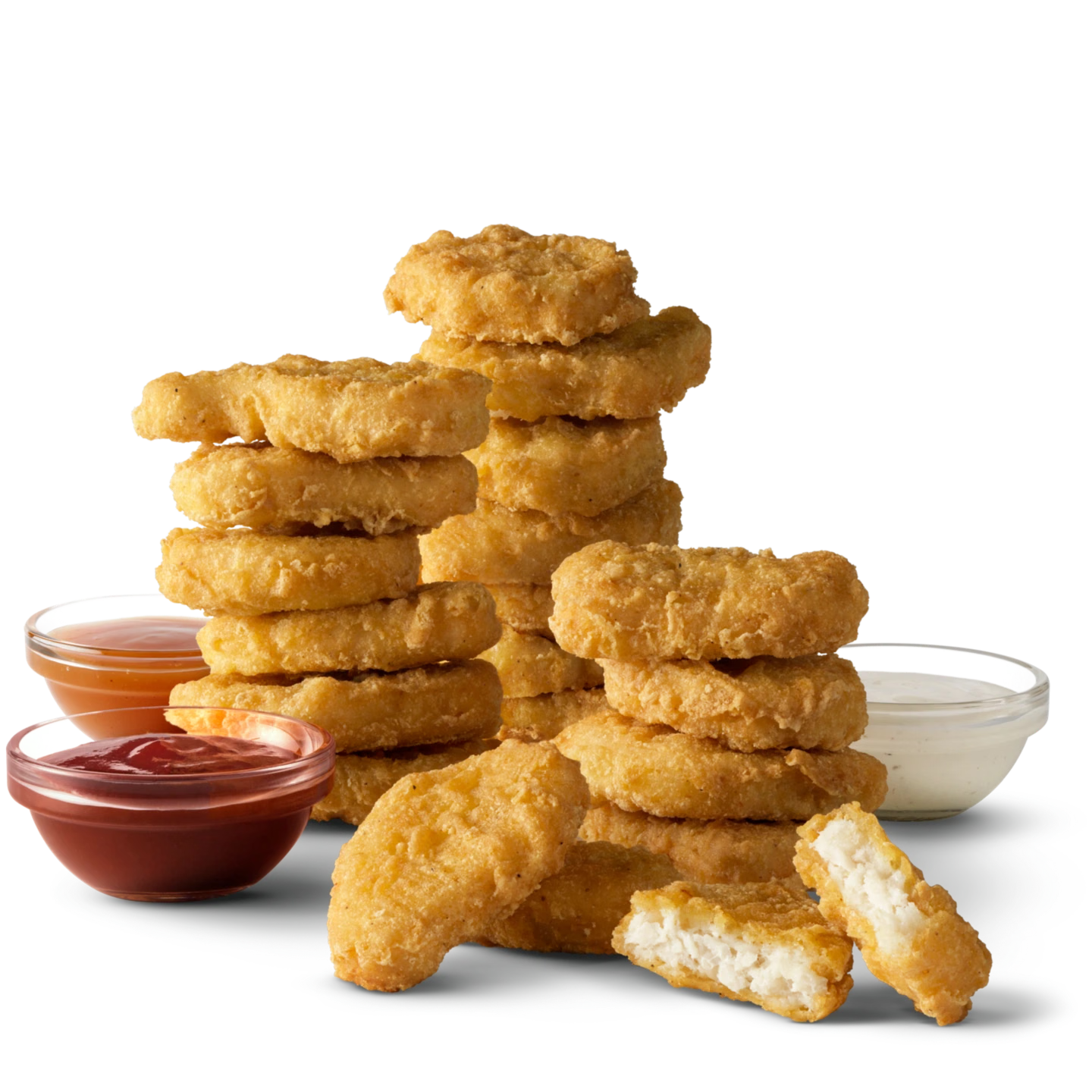
20 pc Chicken McNuggets
$10.39
830 kcal
Shareable
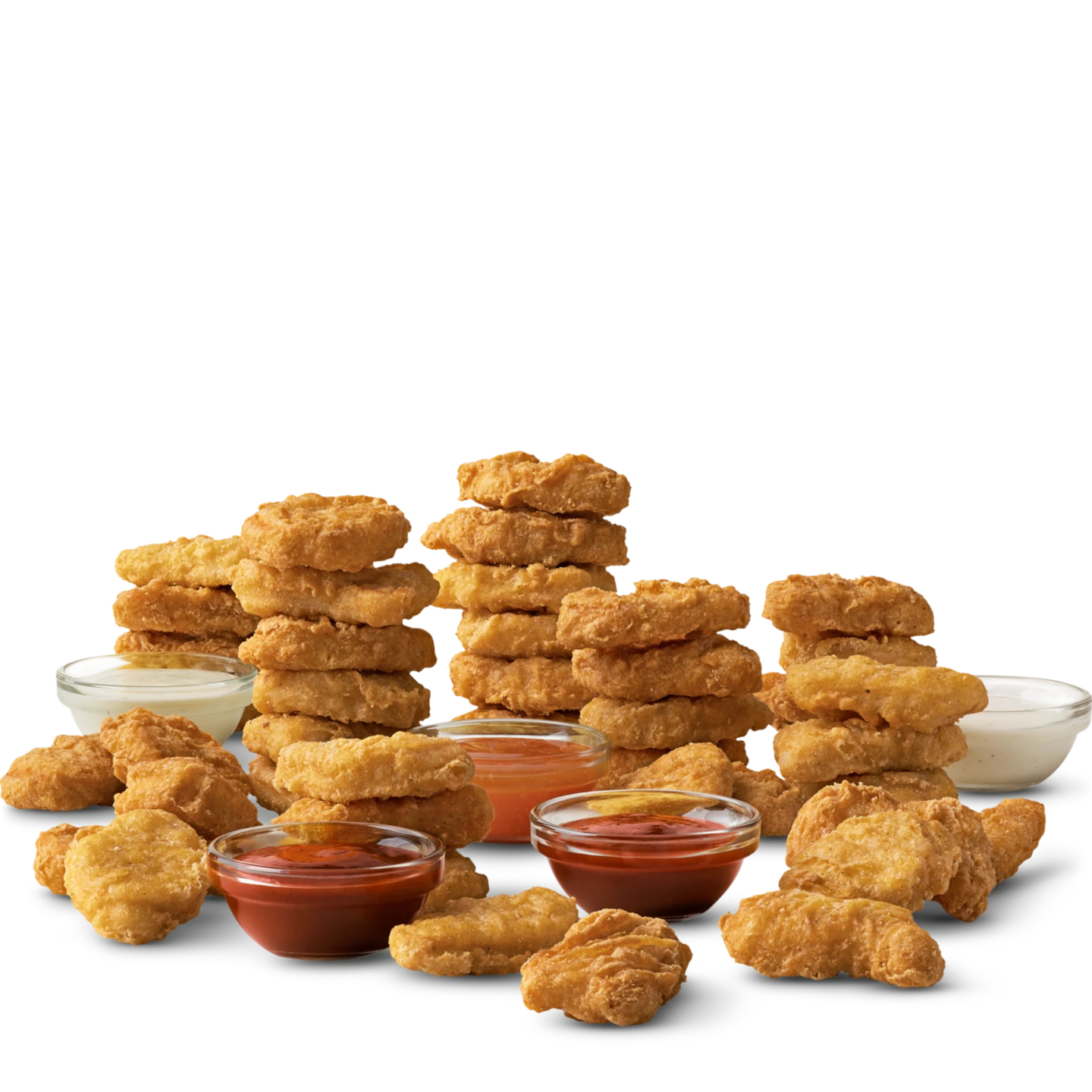
40 pc Chicken McNuggets
$17.69
1,660 kcal
Shareable
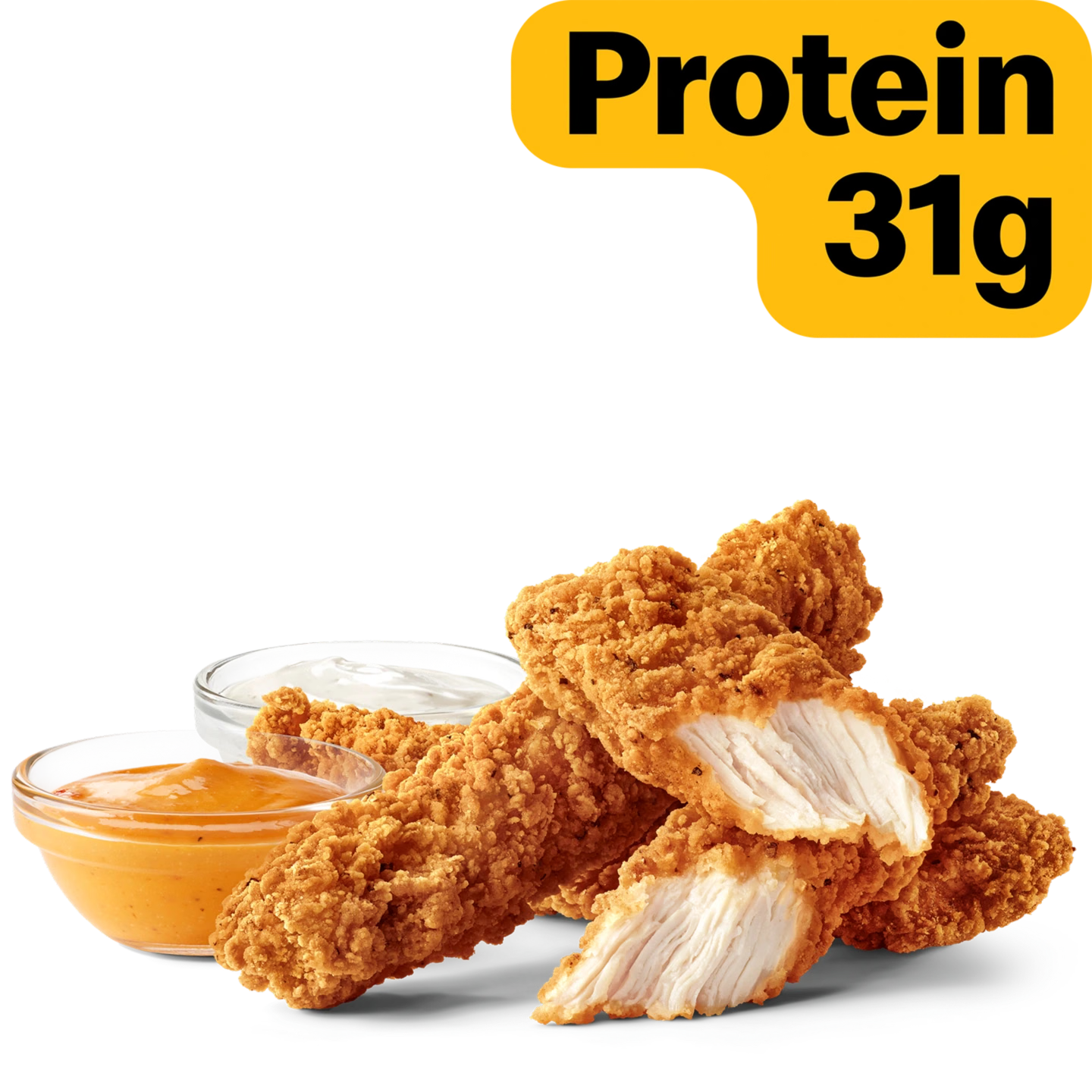
McCrispy Strips (3 pc)
$10.99
400 kcal
New
4 Piece McCrispy Strips
$9.99
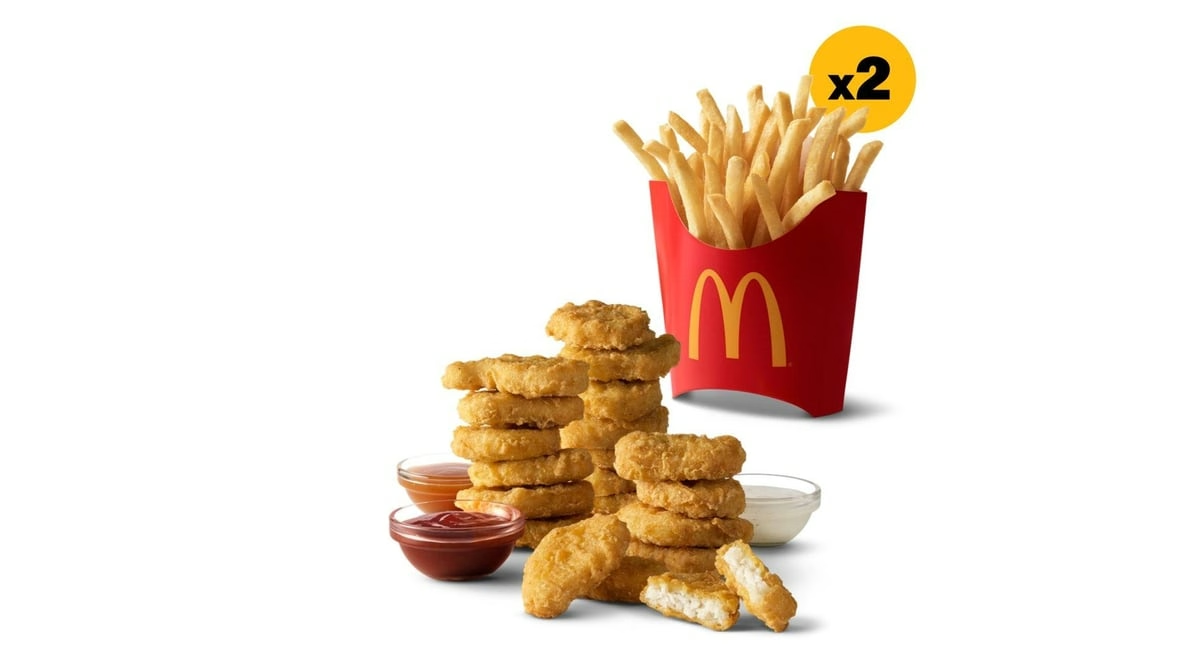
20 pc. Chicken McNuggets & 2 Medium Fries
$16.79
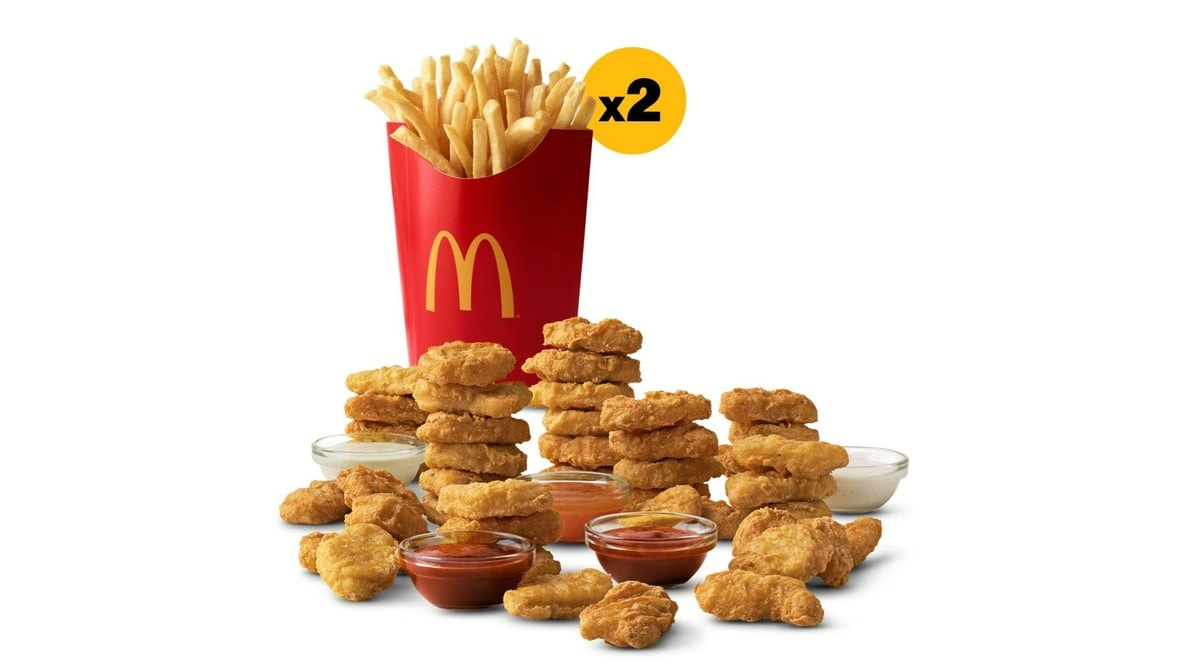
40 pc. Chicken McNuggets & 2 Large Fries
$25.89
Compare McDonald’s chicken and fish sandwiches by price, toppings and calories. The McChicken is $6.49, McCrispy is $8.69 and Filet-O-Fish is $7.19 in the listings below. Nuggets, strips and meal options are also included farther down the page.
Prices and availability vary by restaurant and ordering channel. A sandwich price excludes separately added fries, drinks and sauces unless the listing names a meal or bundle.
McDonald's Chicken and Fish Menu: Prices, Calories and Best Comparisons
The table separates individual sandwiches and strips from meal prices.
| Item | Price | Calories | Item Page |
|---|---|---|---|
| McChicken | $6.49 | 390 kcal | View item |
| McCrispy | $8.69 | 470 kcal | View item |
| Spicy McCrispy | $8.69 | 530 kcal | View item |
| Deluxe McCrispy | $9.19 | 530 kcal | View item |
| Spicy Deluxe McCrispy | $9.19 | 530 kcal | View item |
| Filet-O-Fish | $7.19 | 380 kcal | View item |
| McCrispy Strips (3 pc) | $10.99 | 400 kcal | View item |
The original and Spicy McCrispy are both $8.69 here. The Deluxe versions are $9.19, a $0.50 difference. McChicken costs $2.20 less than McCrispy; Filet-O-Fish costs $1.50 less.
McChicken: The Value-Tier Classic
The McChicken combines a breaded chicken patty, shredded lettuce and mayonnaise on a regular bun. It is $6.49 and 390 calories here.
McChicken versus McCrispy
The original McCrispy is $8.69 and 470 calories, so the McChicken costs $2.20 less and has 80 fewer calories. Their chicken portions, bread and toppings differ. For a bundle, compare the McValue meal deals with the cost of the sides you actually want.
McCrispy Lineup: Prices, Heat Levels, and What's Different
McCrispy uses a crispy chicken fillet on a potato roll. The original includes pickles; the spicy version adds Spicy Pepper Sauce. The heat comes from the sauce rather than a separate spicy breading.
McCrispy versus Spicy McCrispy
| Variant | Price | Calories | Item Page |
|---|---|---|---|
| McCrispy | $8.69 | 470 kcal | View item |
| Spicy McCrispy | $8.69 | 530 kcal | View item |
Both are $8.69 here. The original has 470 calories and the Spicy McCrispy has 530.
Deluxe and Spicy Deluxe McCrispy
| Variant | Price | Calories | Item Page |
|---|---|---|---|
| Deluxe McCrispy | $9.19 | 530 kcal | View item |
| Spicy Deluxe McCrispy | $9.19 | 530 kcal | View item |
The Deluxe options add shredded lettuce and Roma tomatoes. Original Deluxe uses mayonnaise; Spicy Deluxe uses Spicy Pepper Sauce. Both are listed at $9.19 and 530 calories.
How much is the Deluxe upgrade?
The sandwich price difference is $0.50 ($9.19 minus $8.69). The meal listings are separate: McCrispy Meal $13.69, Spicy McCrispy Meal $13.99, and either Deluxe meal $14.59. Compare the selected drink and fries size before choosing.
Filet-O-Fish: The Fish Sandwich on the McDonald's Chicken and Fish Menu
Filet-O-Fish is $7.19 and 380 calories. It uses a fish fillet with tartar sauce and a half slice of American cheese on a steamed bun.
Filet-O-Fish price and ingredients
| Detail | Info |
|---|---|
| Price | $7.19 |
| Calories | 380 kcal |
| Protein source | Wild-caught Alaskan Pollock |
| Key toppings | Tartar sauce, American cheese, steamed bun |
| Meal option | Filet-O-Fish Meal ($13.19) |
It has 90 fewer calories than the original McCrispy and 10 fewer than the McChicken. A lower calorie count alone does not make a sandwich suitable for a particular diet. The fish, wheat, milk and other ingredient information matters when choosing for allergies.
The Filet-O-Fish Meal is $13.19 in the meal listings. For other portions, compare the meal menu rather than assuming the sandwich and meal include the same food.
McCrispy Strips 3-pc: The Strips Option
The three-piece McCrispy Strips listing is $10.99. Strips are pieces of chicken served without a sandwich bun, so dipping sauce and any sides should be counted separately.
Chicken strips versus a sandwich
| McCrispy Strips 3-pc | McCrispy Sandwich | |
|---|---|---|
| Format | Strips (dippable) | Sandwich (bun + toppings) |
| Price | $10.99 | $8.69 |
| Calories | 400 kcal | 470 kcal |
| Sauce and toppings | Dipping sauce on the side | Pickles; buttered potato roll |
| Meal option | McCrispy Strips Meal | Multiple meal options |
The original McCrispy sandwich is $8.69. Compare the portion you want, not just the item names. See the sauce menu for dips, and use the nugget and strip cards below to compare larger packs and named meals.
How to Choose the Right Item from the McDonald's Chicken and Fish Menu
Use the listed prices and portions to narrow your order.
| Goal | Best Pick | Price |
|---|---|---|
| Cheapest chicken sandwich | McChicken | $6.49 |
| Best value crispy sandwich | McCrispy or Spicy McCrispy | $8.69 |
| Lowest calorie in $5+ tier | Filet-O-Fish | $7.19 |
| Most complete premium sandwich | Deluxe or Spicy Deluxe McCrispy | $9.19 |
Compare calories and ingredients
McChicken has 390 calories, Filet-O-Fish 380, and original McCrispy 470. Spicy McCrispy and both Deluxe versions have 530 calories. Sauces, fries and drinks change the full order total.
Choose the meal format
For a sandwich with fries and a drink, compare the named Extra Value Meals. For several people, compare the piece counts in the sharing packs. The calorie calculator adds multiple items into one order.
Chicken and Fish Menu Pricing Inside Meals and Deals
Sandwiches and meals have separate prices
A McCrispy is $8.69; its listed meal is $13.69, a $5.00 difference. Filet-O-Fish is $7.19 and its meal is $13.19, a $6.00 difference. There is no single upgrade charge that applies to every sandwich.
Deals and delivery
The McChicken Meal Deal includes a McChicken, four nuggets, small fries and a small drink where offered. Compare its included food with a regular combo, then check the final basket for tax, delivery and service charges. Promotional prices and participation vary by restaurant.
McDonald's Chicken and Fish Menu: Frequently Asked Questions
How much is a McChicken?
The McChicken is $6.49 in this menu and has 390 calories. It is a sandwich-only listing.
How much is the McCrispy?
McCrispy and Spicy McCrispy are each $8.69. Deluxe and Spicy Deluxe are each $9.19.
What makes a McCrispy spicy?
The Spicy McCrispy uses Spicy Pepper Sauce. The Deluxe versions also have lettuce and tomato; original Deluxe uses mayonnaise.
How many calories are in Filet-O-Fish?
The standard Filet-O-Fish has 380 calories before separately ordered sides or drinks.
Are nuggets included in this guide?
Yes. The cards below compare nugget portions, McCrispy Strips, meals and sharing packs. Their piece counts and included sides differ.
Can I get a chicken sandwich in a Happy Meal?
The standard US Happy Meal options use a Hamburger or Chicken McNuggets, rather than McChicken or McCrispy. See the Happy Meal menu for the included sides and drinks.
Which item has the lowest calories?
Among the sandwiches compared here, Filet-O-Fish has 380 calories, followed by McChicken at 390. Compare ingredients, protein and sodium as well as calories.
Are prices the same everywhere?
No. Restaurants and ordering channels can show different prices. Check the exact sandwich, meal and size in your selected order.
Related Menu Pages and Guides
- Full McDonald’s Menu The complete menu hub with all 15 categories
- Extra Value Meals Combo meals for every chicken and fish sandwich in this category
- McValue Menu Budget-first bundles including the McChicken Meal Deal
- McNuggets and Strips 4, 6, 10, 20, and 40-piece nugget options and McCrispy Strips
- Snack Wrap Ranch and Spicy Snack Wrap options with chicken
- Fries and Sides World Famous Fries and Apple Slices to pair with your order
- Sauces and Condiments All dipping sauces for strips and nuggets
- Deals and Offers Current promotions including chicken sandwich deals
- Nutrition and Allergen Guide Full calorie, sodium, fat, and allergen data for all chicken and fish items
- Prices by State Regional pricing breakdown across the USA
- McDelivery Guide How delivery pricing affects chicken and fish orders
- Happy Meal Menu Kids’ meal options using McNuggets
This site tracks publicly available menu data for planning and comparison purposes. It is not affiliated with or endorsed by McDonald’s Corporation. Always confirm final pricing at your specific location before ordering.
About the author
Written by David Livingstone
Food Pricing Analyst & Fast Food Industry Researcher
David Livingstone is a food specialist, vlogger, and researcher with a passion for exploring menus, food trends, and dining experiences across the United States. Through his website, McDoMenuUSA.com, he shares helpful insights, detailed menu information, and food-related updates to guide readers in making better choices. With a strong interest in research and digital content creation, David combines practical food knowledge with engaging storytelling to make food information simple, useful, and enjoyable for his audience.